Artstock Graphics
- Right-click the image (Click and drag image to desktop for Mac).
- Select Save Image As and choose your image’s saved location.
- Click Save, and you’re done.



Artstock Graphics



Artstock Post Card
Post Card front 8.5″ x 5.5″

Post Card back if used as postcard 8.5″ x 5.5″
Post Card back if used as a handout 8.5″ x 5.5″

Artstock Billboard

Artstock Mailer/Flier
Mailer/Flier front 9″ x 12″ – Folds to 4″ x 9″
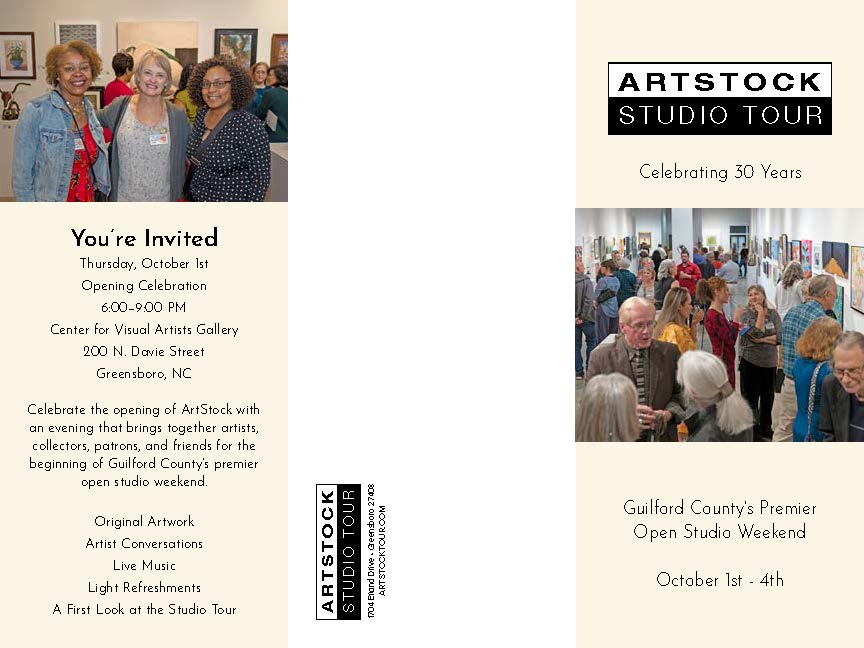
Mailer/Flier back 9″ x 12″ – Folds to 4″ x 9″

1704 Efland Drive
Greensboro NC 27408
© ArtStock Studio Tour. All rights reserved.